
Procedure
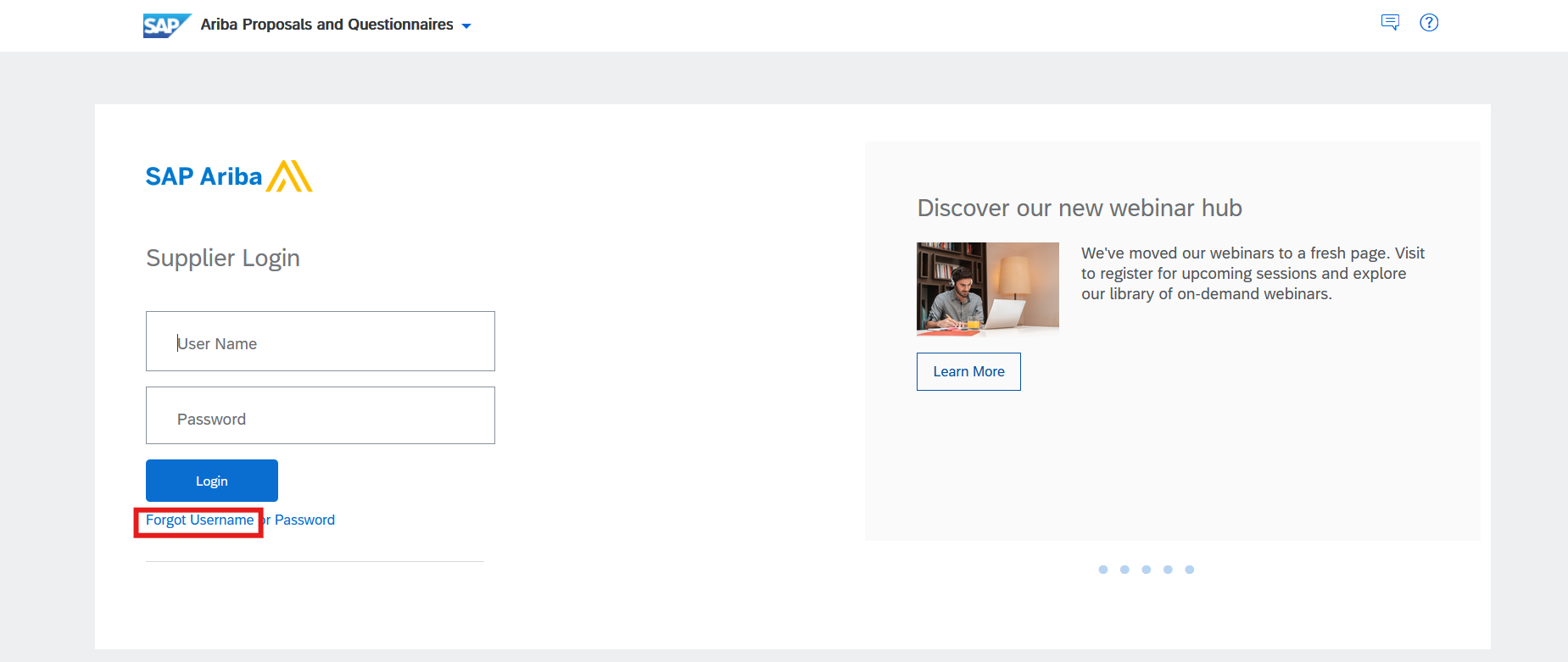
2. Enter the email address you used when you registered your SAP Ariba account and click "Submit".
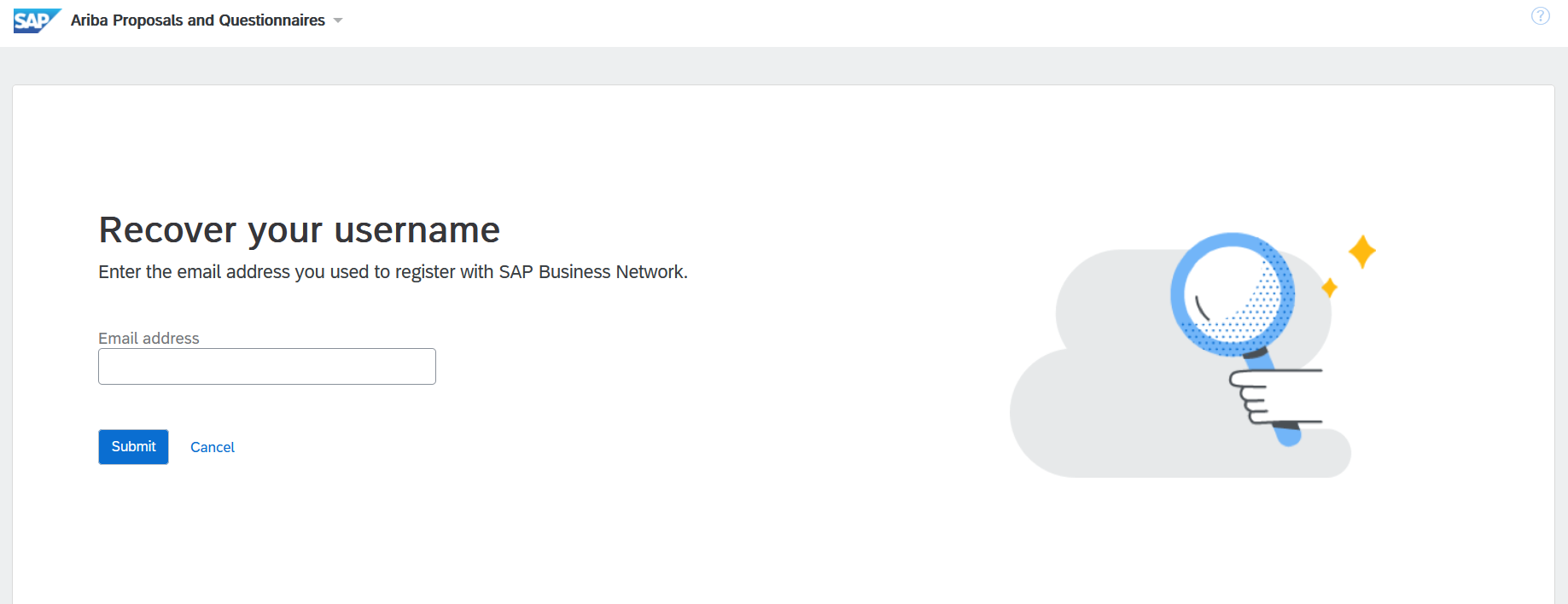
3. After you click “Submit,” Ariba will send you an email with the username you used to register your account.
Results
SAP Ariba sends an email listing all the usernames associated with your email address.
Note
If you do not receive a username retrieval email from SAP Ariba, check the following:
Did you enter the correct username that is registered with the SAP Ariba? If you have more than one username, you can try to enter the other usernames.
Does your email configuration allow you to receive automated emails from SAP Ariba? Check your junk mail folder or email filter settings to verify automated emails from SAP Ariba are not blocked from your inbox.